
How to View the Events Data Report
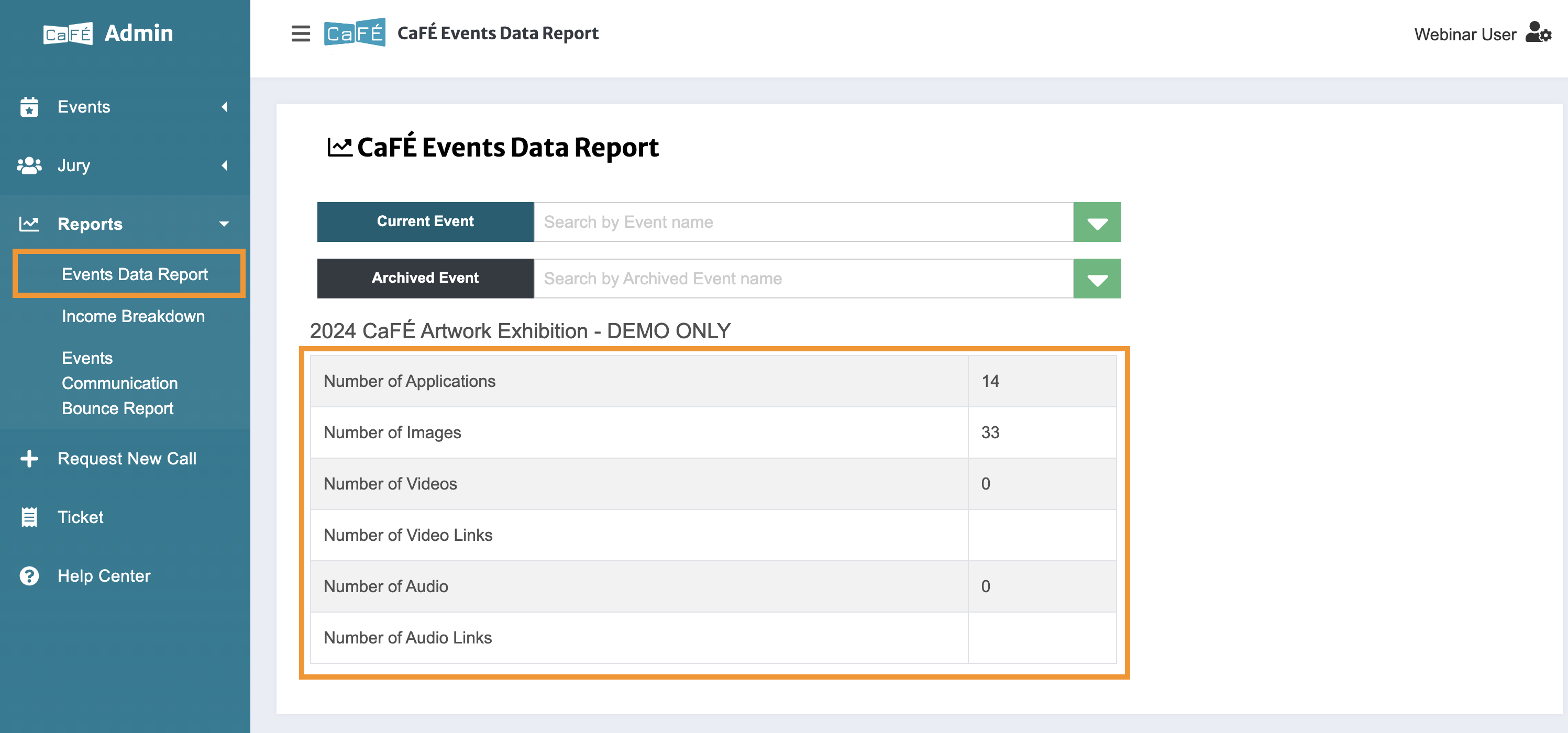
Log in to CaFÉ Admin and go to Reports > Events Data Report.
Select the call you want to view from the Current Event or Archived Event drop-down list.
The event data will update in the table.

CaFÉ Administrator Help
💼
Reports & Image Downloads
The Events Data Report shows the number of applications and work samples per media type that your call received.
Last updated on 24 Sept, 2025
Log in to CaFÉ Admin and go to Reports > Events Data Report.
Select the call you want to view from the Current Event or Archived Event drop-down list.
The event data will update in the table.
